Disruptive change warning
After upgrading to JEditor 3.3.x, the form elements such as
- Checkbox
- Radio button
- Single-line input field
- Multi-line textarea field
- Select list
will have new behavior different from one in previous versions. The following is the list of changes in form elements' behavior.
Field Edit Permission
In order to change the value of a form element, the user now has to be able to edit the issue field that contains the form element. For example, if the issue description contains a checkbox, then to edit the checkbox (without inline editing), the user must be able to edit the description field.
If the field is missing on the Edit screen or not accessible to a user for any other reasons, all contained form elements will be disabled and the user will not be able to change their value.
Changelog
Starting from JEditor 3.3.x, the changes to form elements will be logged in issue history.
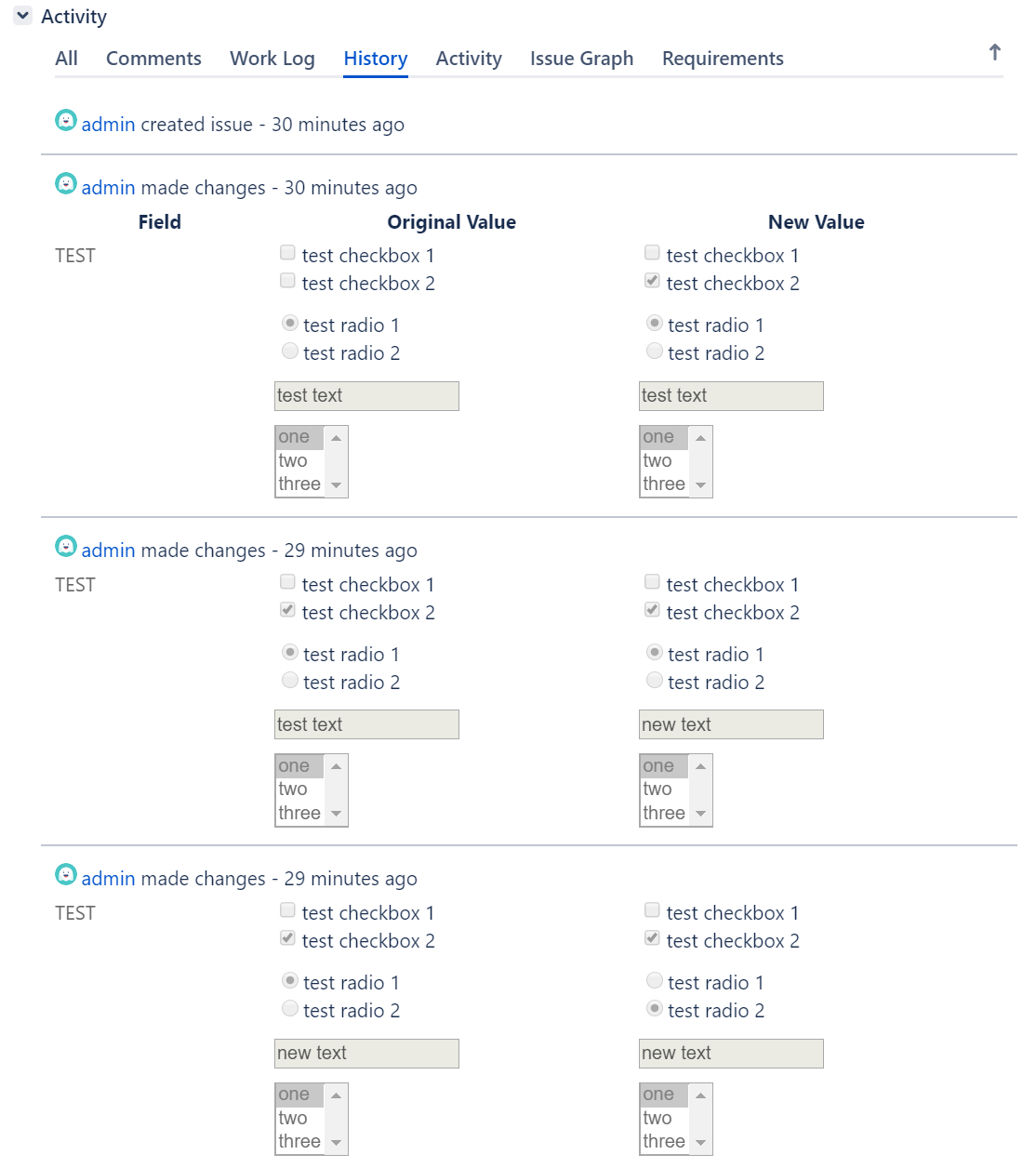
Please note: the changes of comments are not logged by Jira, meaning that old comment value is lost after editing. You will not be able to track changes in JEditor Forms stored in Jira comments.
0 Comments